How an AI assistant made a whole AI presenter video
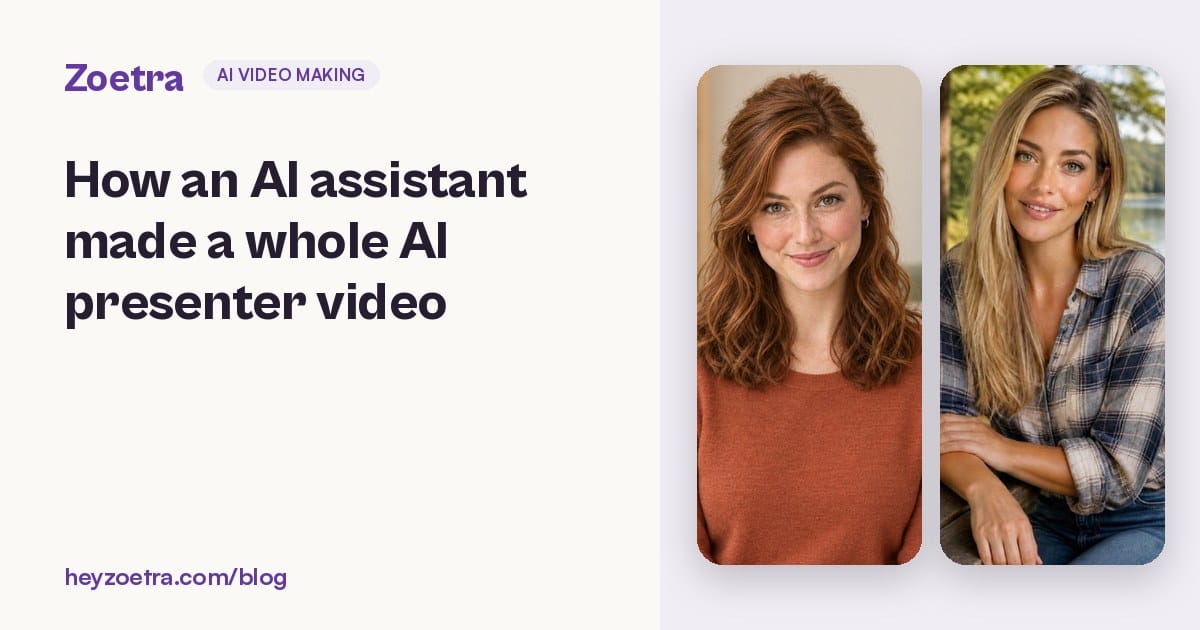
Our home page video has two presenters: Zoetra, in the terracotta jumper, and Gia, by the lake in the plaid shirt. Here's the bit most people miss. Gia's section wasn't made by us in an editing suite. It was made by Zoetra, our AI assistant.
Here's how that works, step by step, and what you need to know if you want to do the same.
What's an AI presenter video?
An AI presenter, or avatar, is a realistic digital person who reads your script on camera. You choose the look and the voice, type the words and get back a video of them talking. Services like HeyGen do the filming part.
People use AI presenters to:
- make videos without filming themselves
- keep a consistent face for a brand
- get videos ready in advance, so they can still post while they're on holiday
The usual way: lots of tools and lots of evenings
Normally, making one avatar video means:
- Writing a script in one tool
- Pasting it into an avatar service and waiting
- Downloading the video
- Adding captions somewhere else
- Designing a thumbnail somewhere else again
- Writing a title and description that'll get found
Each step is simple. Together, they eat your evening.
The Zoetra way: one conversation
With Zoetra, you just ask. For Gia's video, it went like this:
- The brief. We told Zoetra what the video needed to say and who it was for.
- The script. She wrote it, with a strong hook in the first three seconds. We asked for a couple of tweaks, and she rewrote it.
- The filming. She sent the final script to HeyGen with Gia's look and voice, then collected the finished video.
- The extras. She added captions and an SEO title and description, and made thumbnails using frames of Gia.
- The hand-over. Everything landed in a folder on our computer, ready to check and post.
We reviewed it, approved it and put it straight into the sales film. You can watch it on our home page.
Tips for AI presenter videos that don't look "AI"
These are the lessons we learned making Gia and Zoetra:
- Ask for natural blinking. Avatars that never blink look odd fast.
- Keep them looking straight at the camera. Side glances are where avatars give themselves away.
- Spell out tricky names. Tell the voice how to say your brand name. We had to teach ours that it's "Zo-etra", not "Zoey-tra".
- Write for the ear. Short sentences and natural contractions like "you're" and "it's" sound far more human.
- Hook early. Put your main point, and your main search keyword, in the first three seconds.
What does it cost?
Avatar services charge for the filming, usually through credits or a monthly plan, and you pay them directly. Zoetra itself is £19 a month and handles the scripting, captions, SEO and thumbnails around it.
Not keen on avatars? Zoetra can also make a voiceover with a free built-in voice, which is ideal for faceless videos.
Be honest with your audience
AI presenters are a brilliant tool, but don't pretend they're real people. We say clearly that Zoetra and Gia are AI, and we'd recommend you do the same. Some platforms also ask you to label AI-generated content, so check their rules before you post.
Try it yourself
If you'd like an assistant that turns an idea into a finished video package while you get your evening back, meet Zoetra at heyzoetra.com.