Claude Personal Finance: What It Does, Is It Safe, and Can You Use It in the UK?
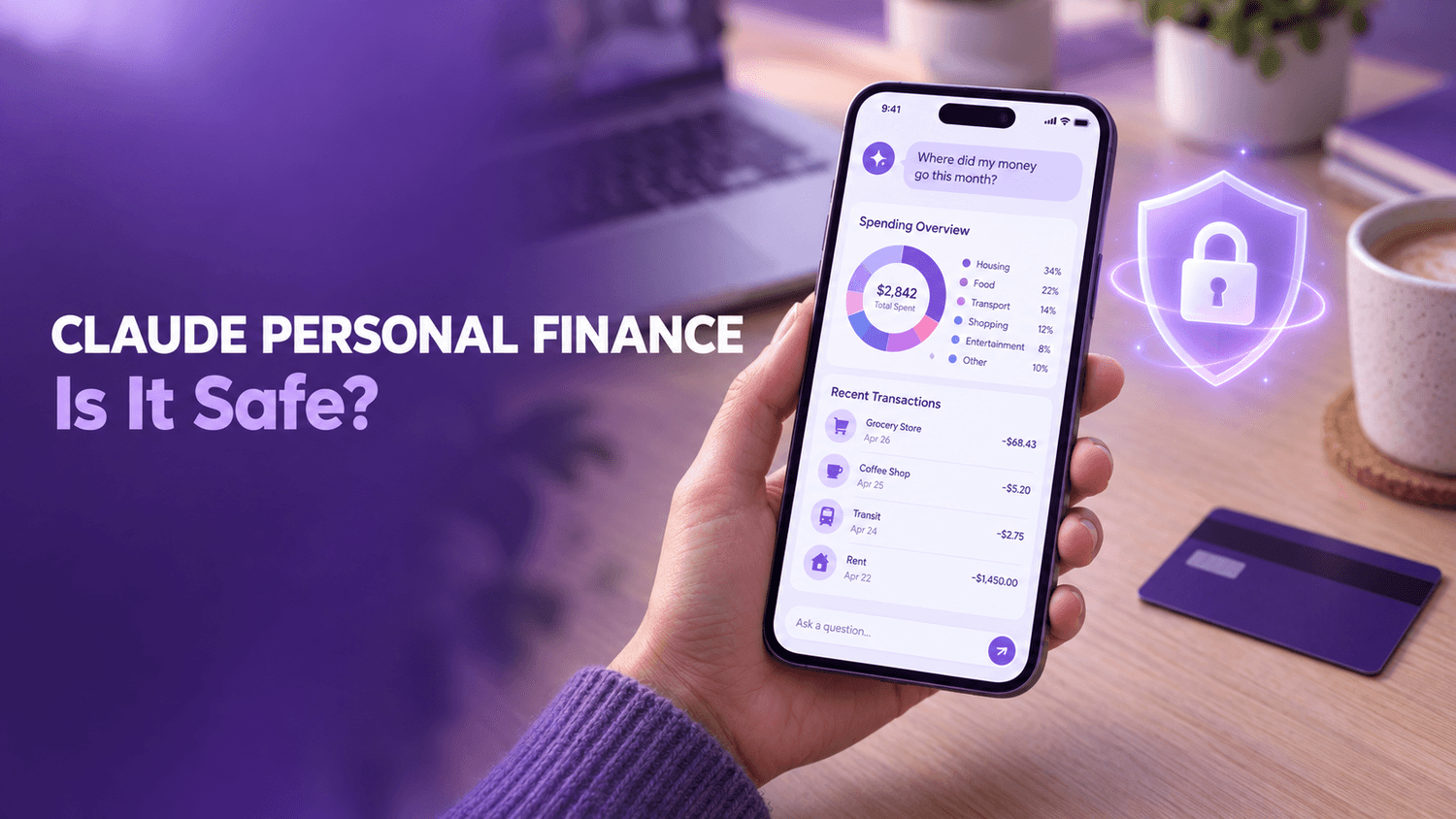
Claude Personal Finance The Big Question Everyone Is Asking. Is it safe to use in the UK?
On 5 November 2026, Anthropic switched on Claude Personal Finance. It's a new feature that lets Claude read your bank and credit card accounts and answer questions about your money in plain English. Ask "Where did my money go this month?" and you get a real answer drawn from your real transactions.
It's clever, and it's also a big step. So here's everything you need to know, taken straight from Anthropic's announcement and its Help Center guide. Facts, not hype.
What Claude Personal Finance Does
You link your accounts, and Claude looks across all of them at once. It groups your spending, compares this month with earlier months, and shows the bills coming up. It can turn your figures into charts, calendars and dashboards.
It's at its best when it spots things you'd miss. Anthropic says you can ask Claude to check for:
- Payments that went out twice
- Fees you didn't expect
- Bills that have been slowly creeping up
- Jargon such as APR, explained along with what it has actually cost you
Here are some example questions from Anthropic: "Can I afford a trip this spring?", "How much could I save each month?" and "Am I spending more than I make?"
Anthropic also says Claude Personal Finance has no adverts or sponsored recommendations, and Claude doesn't offer credit cards, loans or savings accounts of its own. So it has nothing to sell you.
Who Can Use It Right Now
It's a beta for Pro, Max and Ultra subscribers in the US. It works on the Claude website, Claude Desktop, and the iPhone and Android apps. It isn't on the Free, Team or Enterprise plans. Anthropic is rolling it out gradually, so some paying users won't see it yet.
How to Set Up Claude Personal Finance
- Open Personal Finance in Claude's side menu. If you can't see it, look under More.
- Select Get started, choose your goals or skip them, then select Continue.
- Select Link accounts with Plaid and review what Claude will be able to see.
- In the Plaid window, pick your bank, sign in, and choose the accounts to share.
- Back in Claude, link another bank or select Done.
Top tip: you have 10 minutes to finish the Plaid sign-in, so have your banking login ready before you start. You can link up to 16 banks.
Is Claude Personal Finance Safe?
There's good news first. Access is read-only, so Claude can't move, manage or invest your money. You sign in to your bank through Plaid, which means Claude never asks for your bank password and never sees it. You also decide which accounts to share.
Here's what Claude can see for each account you share:
- The bank name, plus each account's name, type and last four digits
- Balances and credit limits
- Up to 24 months of transactions, including the amount, date, merchant, category and your bank's description
It can't see investment holdings, trades, interest rates or loan terms. For those accounts it reads only balances and limits.
Now the catches that most people will miss:
- Full account numbers can slip through. If your bank writes your full number into an account name or a transaction description, Claude may see it there.
- Unlinking doesn't wipe old answers. Claude stops reading the bank, but what it already said stays in your chats, artifacts and shared links until you delete them.
- A lapsed subscription doesn't disconnect your banks. They stay linked until you unlink them in Claude or at my.plaid.com.
- Normal chats follow normal rules. According to MacRumors, chats inside the Personal Finance hub aren't used for training or added to shared memory. ZDNET notes that money talk in an ordinary chat falls under your usual Claude privacy settings.
- Balances can lag. BetaNews reports that balances can run a day or two behind.
Anthropic is also upfront that Claude can make mistakes. It isn't designed to give investment advice. Always ask which transactions are behind a number, and check anything important with your bank.
Claude Personal Finance vs ChatGPT Finances
OpenAI got there first. It launched Finances in ChatGPT in May 2026, and it's now open to US users on the Free, Go, Plus and Pro plans, according to OpenAI's Help Center. It also runs on Plaid, connects to more than 12,000 institutions, shows investments, and can track your credit through Experian.
- Price: ChatGPT Finances works on the free plan in the US. Claude Personal Finance needs a paid Pro, Max or Ultra plan.
- Investments: ChatGPT shows them. Claude shows balances only.
- Control: both are read-only and neither can move a penny.
- Selling: Claude promises no ads, no sponsored picks and no financial products of its own.
If you want everything, investments and credit score included, in one free place, ChatGPT does more today. If you want plain spending answers from a tool with nothing to sell, Claude's approach is very clean.
Can You Use Claude Personal Finance in the UK?
Not yet. You can only link US banks. Outside the US, Personal Finance doesn't appear at all, and that includes using a VPN that connects from another country. Anthropic hasn't given a date for the UK or anywhere else, so treat any "coming next month" claims with suspicion.
Our Verdict
Claude Personal Finance is built carefully. It's read-only, Claude never sees your password, and you pick every account. Still, it means sharing two years of spending with an AI company. If you can use it, start small: connect one account, ask one question, check how your bank labels account numbers, and confirm the big figures with your bank.